I have a Corne keyboard that I use for both programming and typing witty messages in slack or discord.
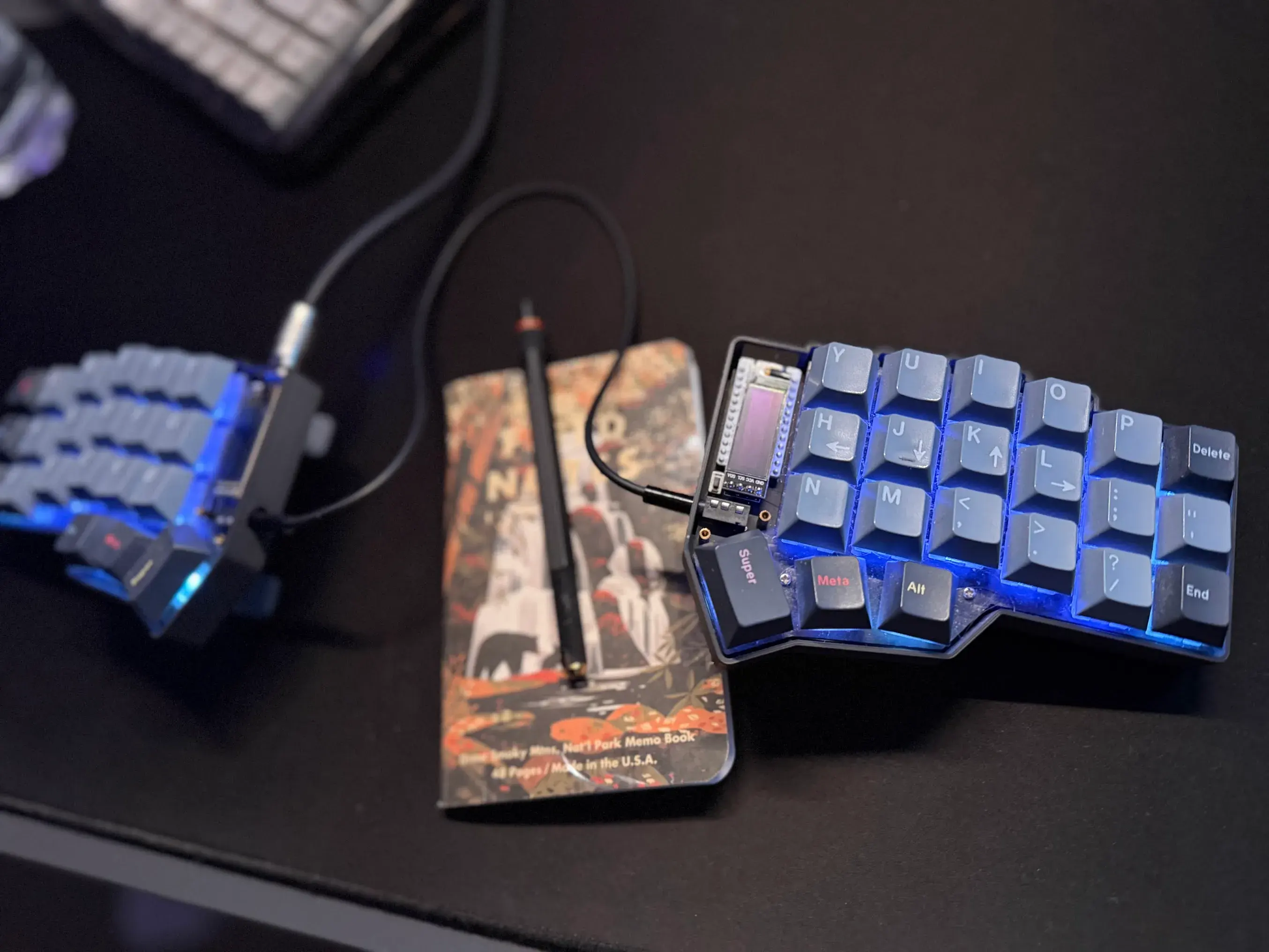
The problem is US layout is the best for programming, but sometimes my witty messages need to be written in Norwegian. Then I need my keyboard to produce the letters æ, ø and å. There are many solutions to this, probably. Below are my solutions.
I use both MacOS and Linux so I have made two modes in my QMK based on what OS I am using.
I use the feature in QMK to detect OS, or I can manually switch. More on that below. First lets look at how to create æøå in MacOS and Linux.
Norwegian characters on MacOS
On Mac I type produce Norwegian characters by using alt-codes (or option codes). The following keys in QMK work for MacOS
RALT(KC_A)-> åRALT(KC_O)-> øRALT(KC_QUOT)-> æ
(The syntax means here that the keyboard will send both RALT and KC_A to the computer when I hit the physical key)
This works fairly well, there is only one place that don’t respect the alt codes, and its the Azure DevOps web interface. There they have some keybindings that use right alt and a. Probably because they didn’t think non-windows OS-es existed.
Norwegian characters on Linux
Linux was a bit harder to figure out, but I ended up with something that works better than MacOS. I might try to implement a similar solution there. So on Linux my keyboard will switch to norwegian and type the character, and then switch back to US layout. I use scroll lock to switch language, because I’m not manually hitting scroll lock myself, and I dont want to hit this modifier on accident.
The code to type a norwegian character in QMK looks like this:
void linux_no_char(uint16_t key) {
    tap_code(KC_SCRL);  // toggle to Norwegian)
    tap_code(key);      // hit the key
    tap_code(KC_SCRL);  // toggle back to US
}
To set this up you need to tell xkb that you want option grp:sclk_toggle. Depends on your compositor how you do this, but you can see my niri config here
Putting it together
To make this work on two OS-es I defined some custom key codes. Then I have bound a, s and d on layer 2 (right meta key) to produce å, ø and æ respectively.
I handle the custom keycodes in process_record_user like this.
bool process_record_user(uint16_t keycode, keyrecord_t *record) {
    if (!record->event.pressed) return true;

    switch (keycode) {
        case NO_AA:
            if (current_os == OS_LINUX) linux_no_char(KC_LBRC);
            else tap_code16(RALT(KC_A));
            return false;
        case NO_OE:
            if (current_os == OS_LINUX) linux_no_char(KC_SCLN);
            else tap_code16(RALT(KC_O));
            return false;
        case NO_AE:
            if (current_os == OS_LINUX) linux_no_char(KC_QUOT);
            else tap_code16(RALT(KC_QUOT));
            return false;
        case OS_LNX:
            current_os = OS_LINUX;
            user_config.os_mode = OS_LINUX;
            eeconfig_update_user(user_config.raw);
            return false;
        case OS_MAC:
            current_os = OS_MACOS;
            user_config.os_mode = OS_MACOS;
            eeconfig_update_user(user_config.raw);
            return false;
    }
    return true;
}
If you want to use the OS detection feature you can look at my QMK firmware over on my github.